
For Dentists
Dental software designed around the clinical day.
AveoDent was built with Dr. Kali — pediatric dentist, co-founder, and the person who decides whether a clinical feature ships. Every charting workflow, note template, and odontogram interaction is shaped by what she actually needs between patients.
Below is the day in order, from the morning huddle to checkout: what's built today, and where the limits are.
The clinical day
From the huddle to checkout.
Before the first patient
The morning huddle lists the day’s new patients, medical and staff alerts, behavior ratings with who recorded them, and large treatment plans. On the chart, a strip flags a possible anticoagulant, diabetes, pregnancy or premedication from the medical history. An AI summary of the history and prior treatment is ready too, built from a de-identified copy of the chart.
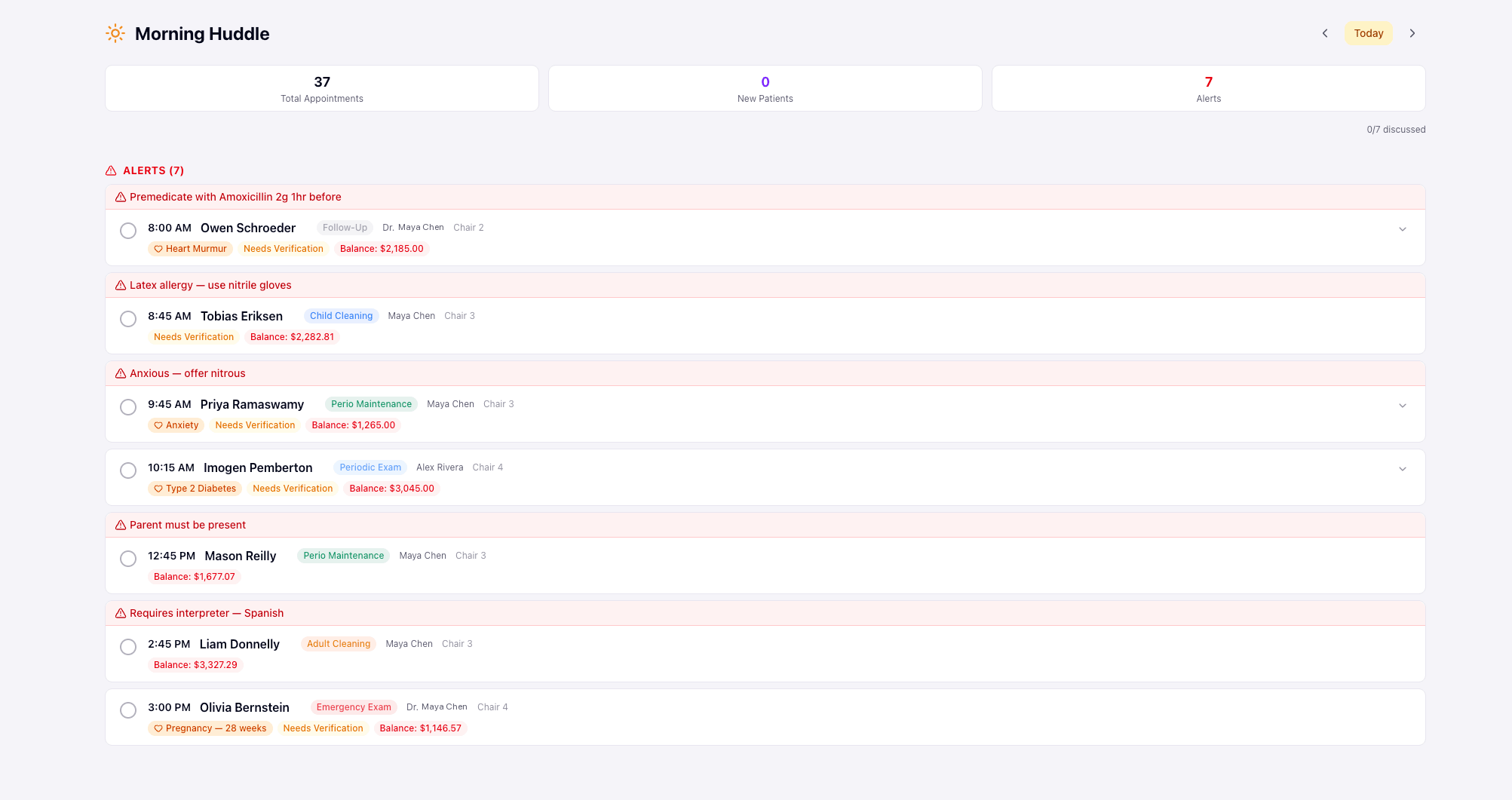
Chart and image in one place
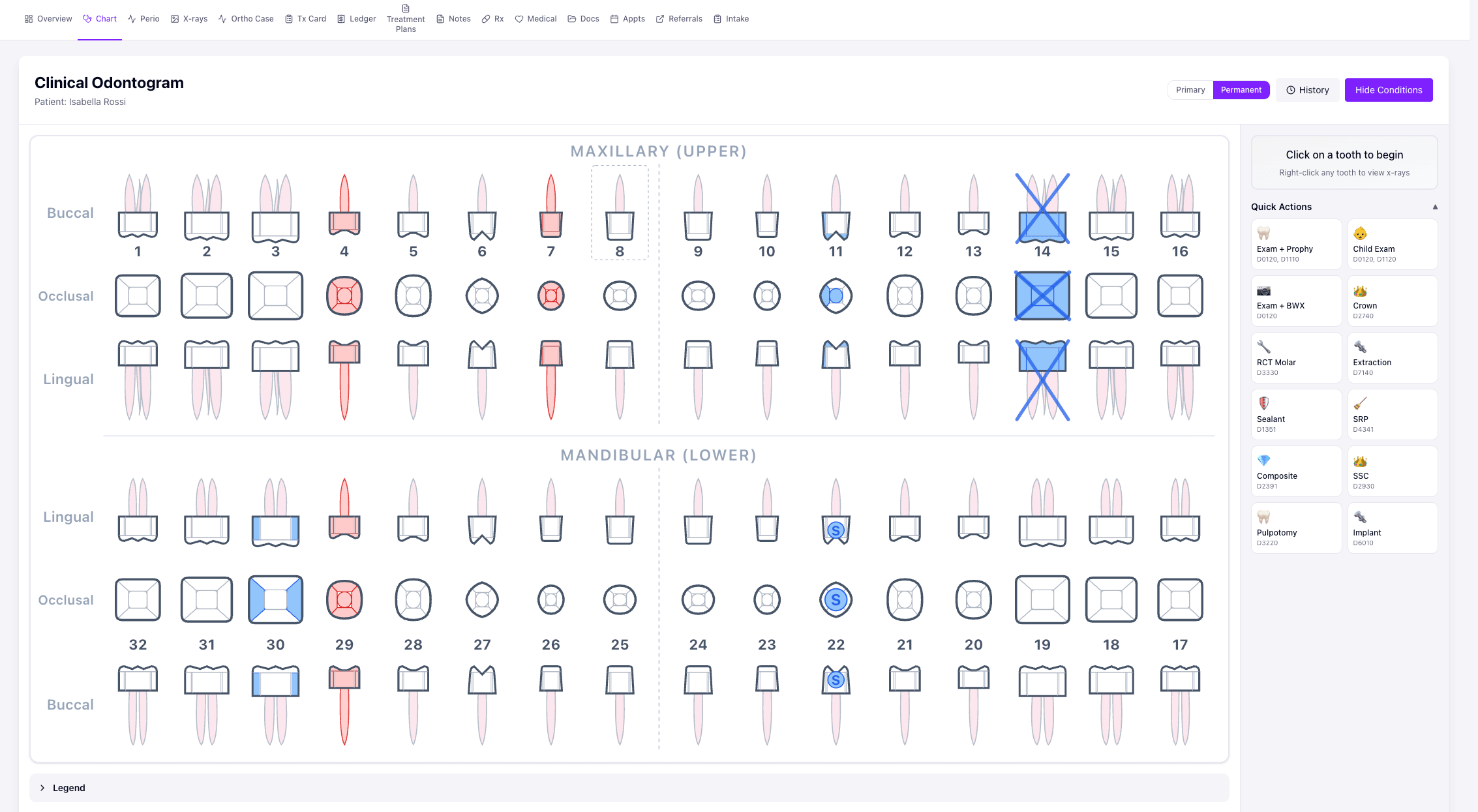
Click the tooth, pick the surface, mark the condition, in buccal, occlusal and lingual views. X-rays and intraoral camera photos from your imaging PC sync into the right patient’s chart, DICOM and TIFF included, and anything the system can’t match waits in an inbox for someone to assign. Open the patient in your imaging program from the chart, and see a visit’s films mounted as a full mouth series.
Perio, by keyboard or by voice
Six-point probing that auto-advances as you type, or call out pocket depths by voice. Bleeding, recession and mobility, and a side-by-side comparison with the last exam.
Plans patients can sign
Turn charted work into a treatment plan in one step, or build a phased plan for a bigger case. Present it with estimates, then share it to the patient portal, where the patient accepts or declines with an e-signature.
Notes started for you
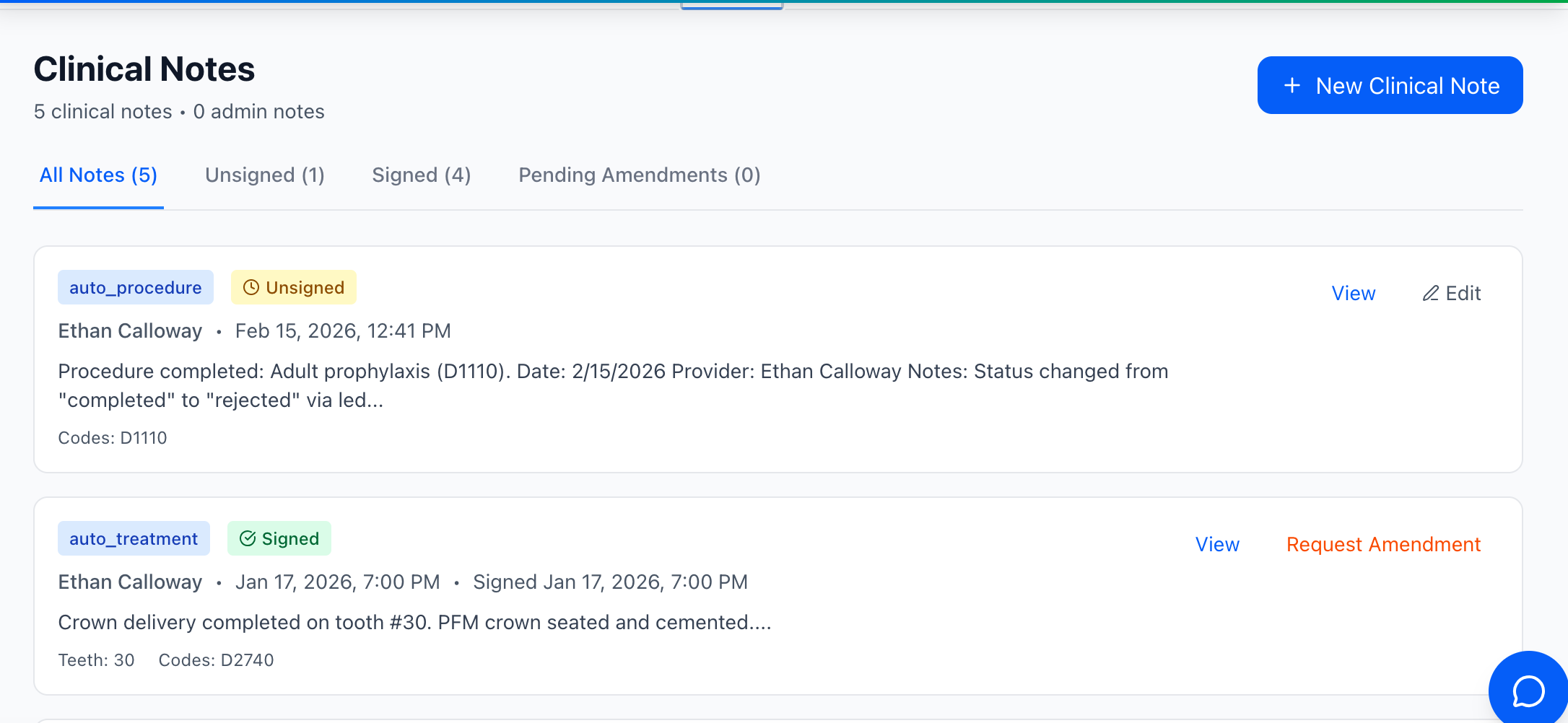
When a procedure is marked complete, the note starts from the template your practice set up for it. Dictate the rest with the mic. Only the assigned provider can sign. Signed notes lock, and corrections go through an amendment the dentist reviews, so the original is never overwritten.
Prescriptions
Write and sign a prescription from the chart, with an allergy check that needs a reason to override. Send it to the pharmacy by fax or email, or print it.
Hand off to checkout
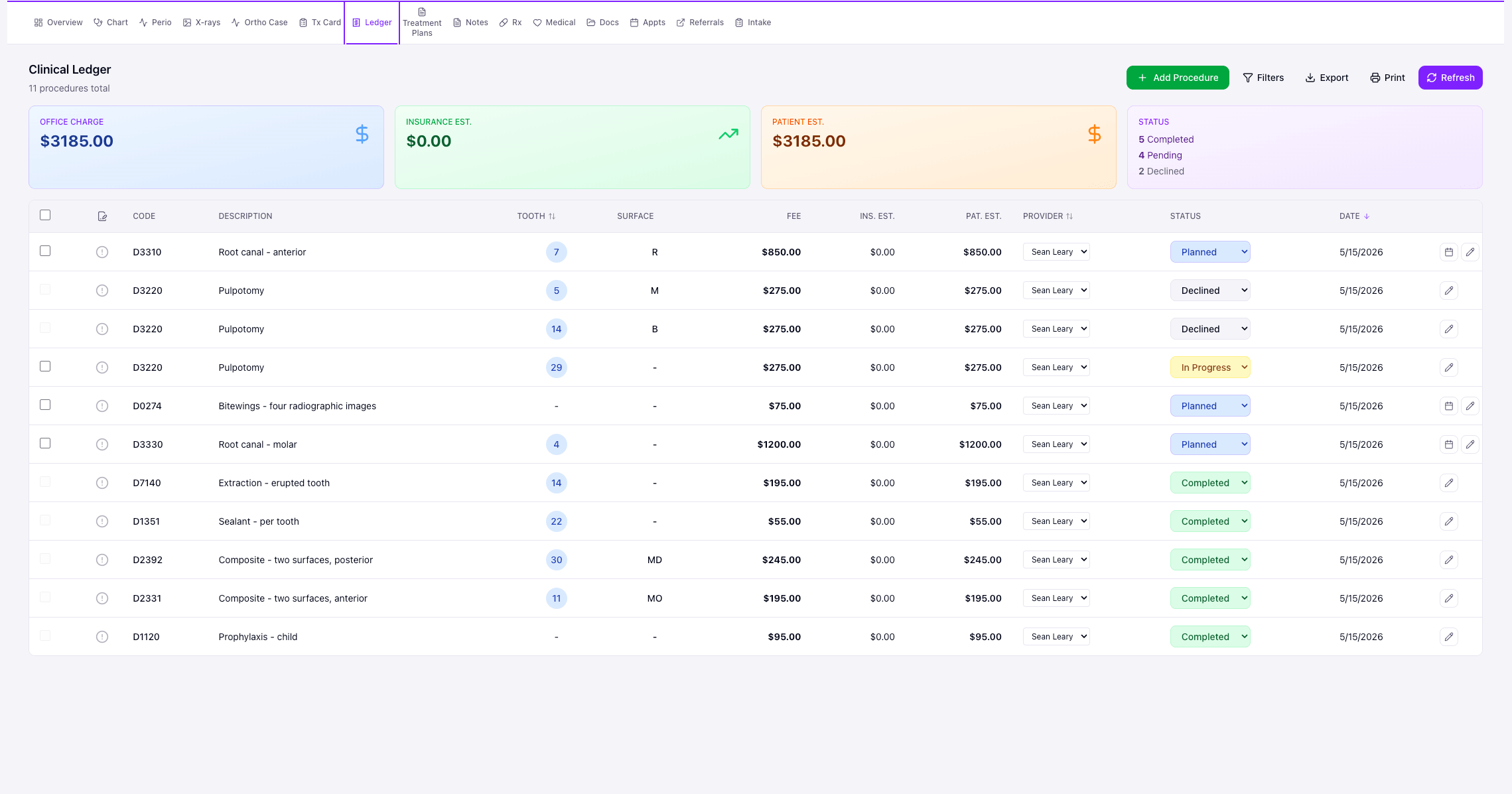
Completed procedures post to the ledger. At checkout the front office sees any unsigned notes, the balance, and the recalls and unscheduled treatment still to book, so the next visit is set before the patient leaves.
What we don’t do yet
Honest about the edges.
A few clinical workflows we’re not built for — and we’ll tell you that on the demo call instead of selling you a contract and apologizing later.
- Electronic prescribing through Surescripts, including EPCS for controlled substances. Prescriptions go by fax, email or print today.
- Voice perio covers pocket depths. Bleeding, recession and mobility are entered by keyboard.
- OMFS / sedation monitoring / CBCT 3D viewer. We tell oral surgery practices up front: we are not the system for you yet.
- Full in-house aligner case management. We track referrals and basic ortho; Dolphin / Cloud 9 / tOrtho are the category winners for full-case orthos.
Different role on the team?
By practice
See if it charts the way you chart.
30 minutes with Sean and Kali. We’ll walk the clinical day, real workflows, real product. No sales theater.